
Printing, Emailing, and Sharing Your Ballot with BallotReady
Important Note: This is not an official ballot. This is simply a guide that you can use in order to assist you when going to vote. Some states/polling places may allow you to bring other materials or use your phone.
How do I print my Ballot?
- Once you are finished selecting your candidate choices, you can click the "View Ballot" button at the top right hand corner.
-
You will get an overview of the candidates and/or ballot measures you’ve selected before printing. Look over your selections to make sure all choices you made are reflected. Once you've done that, click on the "Print" button at the top.
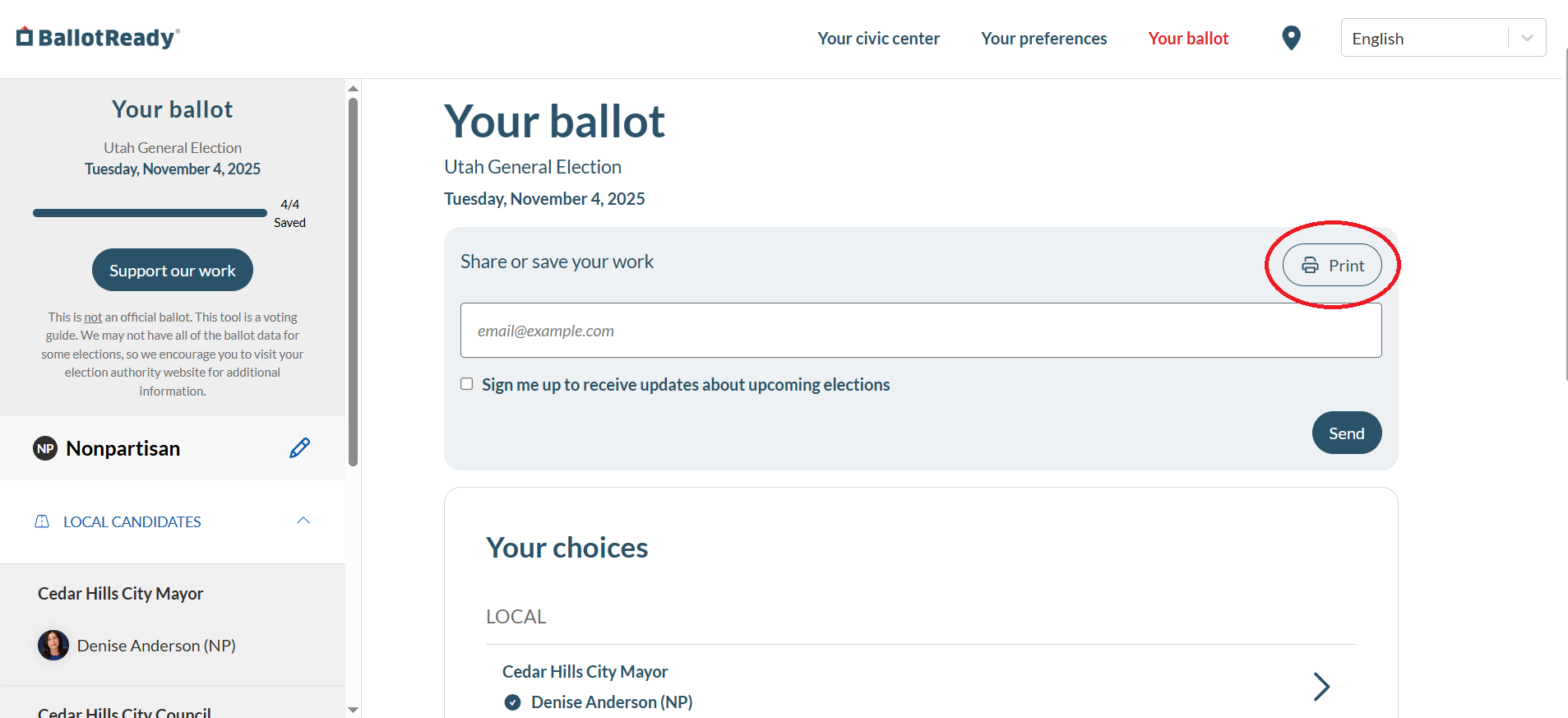
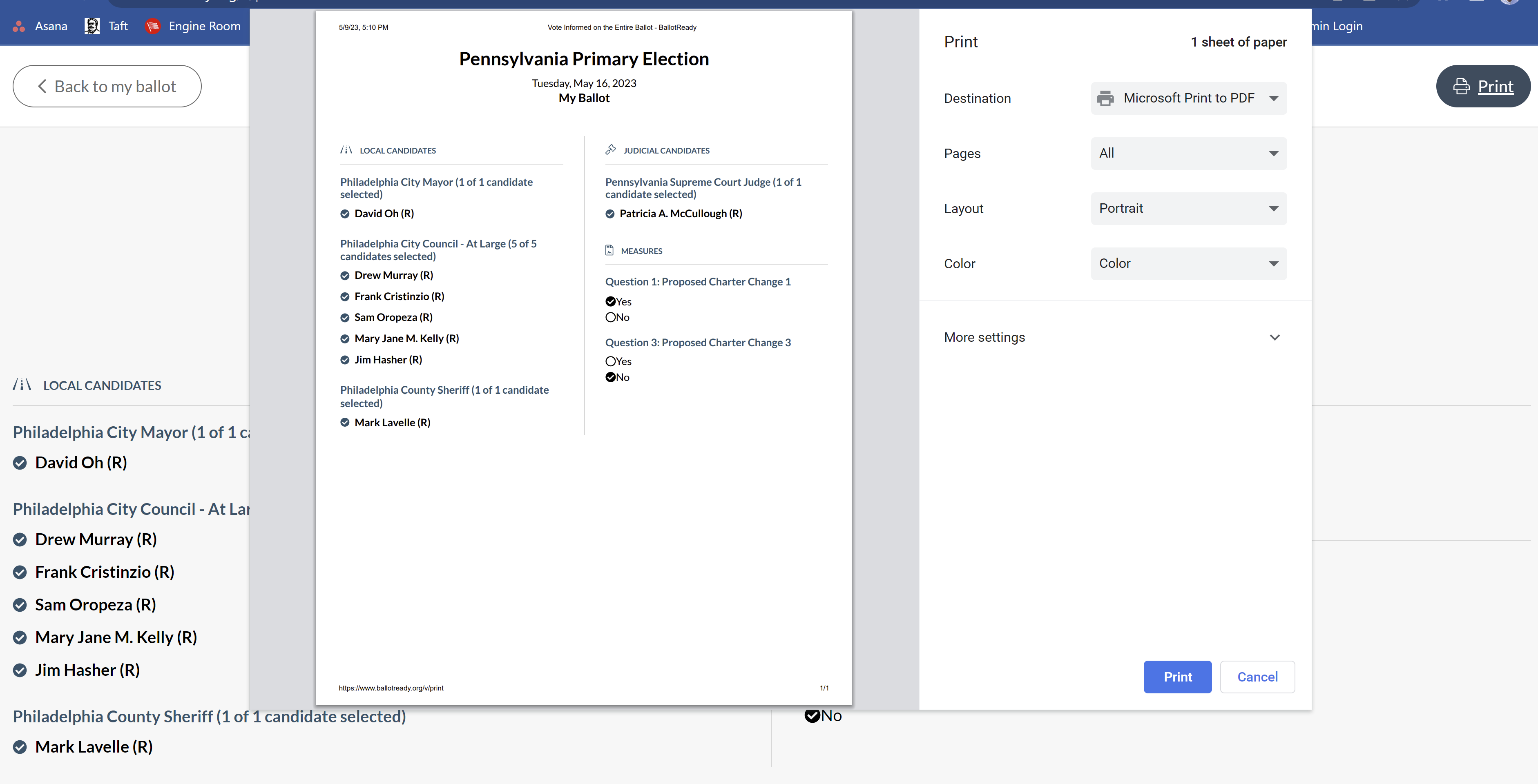
- Another finalized list of your selections will display. All you have to do is click the print button at the top right hand corner of the screen.
-
Select what printer you would like to print these selections from.
How do I email my Ballot?
- Once you are finished selecting your candidate choices, you can click the "View Ballot" button at the top right hand corner.
-
You will get an overview of the candidates and/or ballot measures you’ve selected before printing. Look over your selections to make sure all choices you made are reflected. Once you've done that, enter your email address and click "Send".
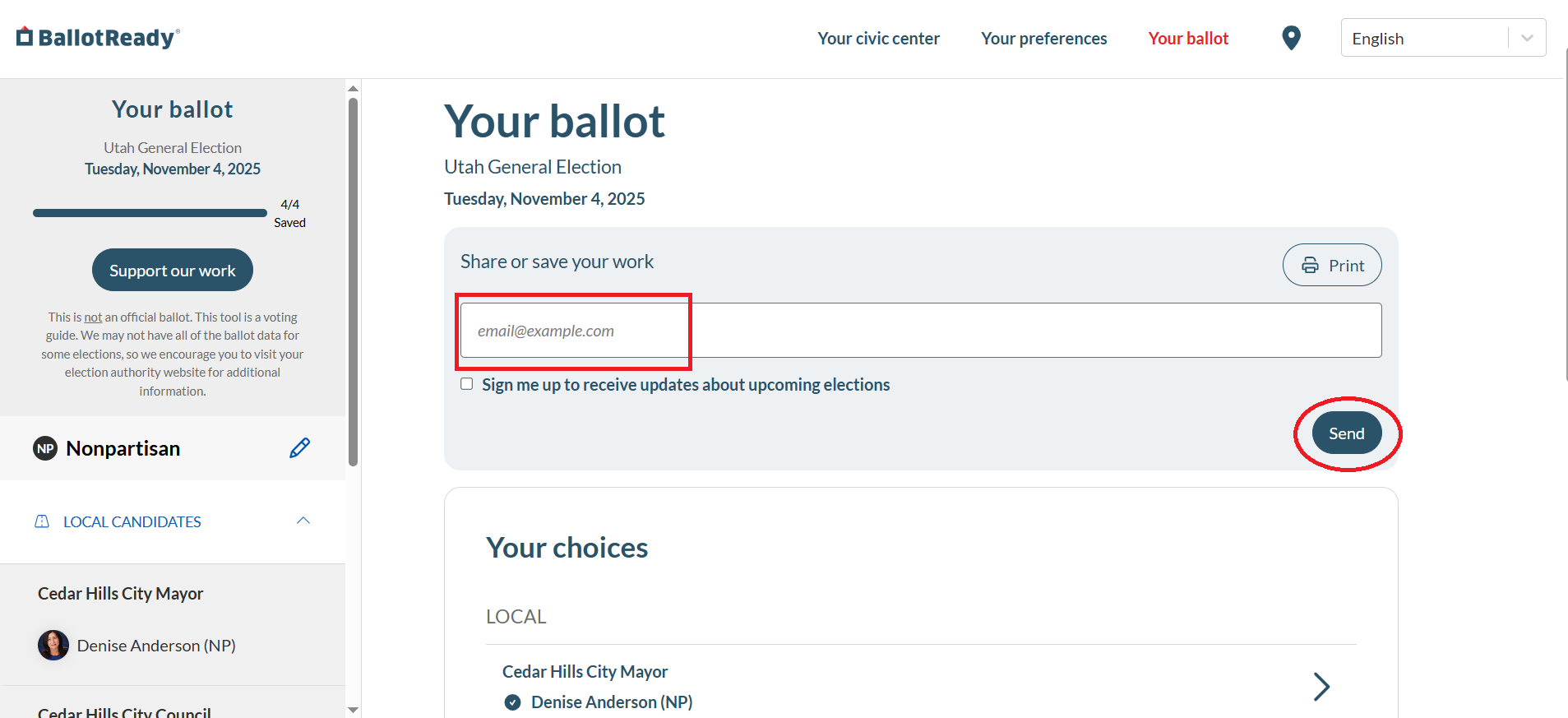
- Check your email to make sure your ballot selections were sent.
How do I share my Ballot?
- First, sign in with your email or Atmosphere account to save your ballot selections. Learn more
-
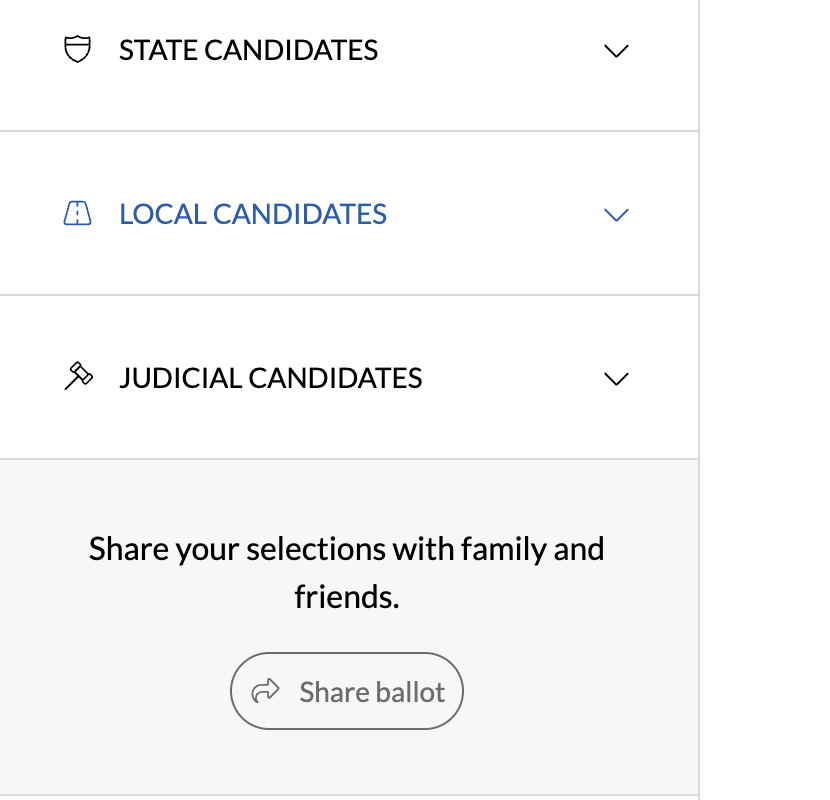
Once you are finished selecting your candidate choices, scroll to the bottom of the positions list and click "Share ballot"
-
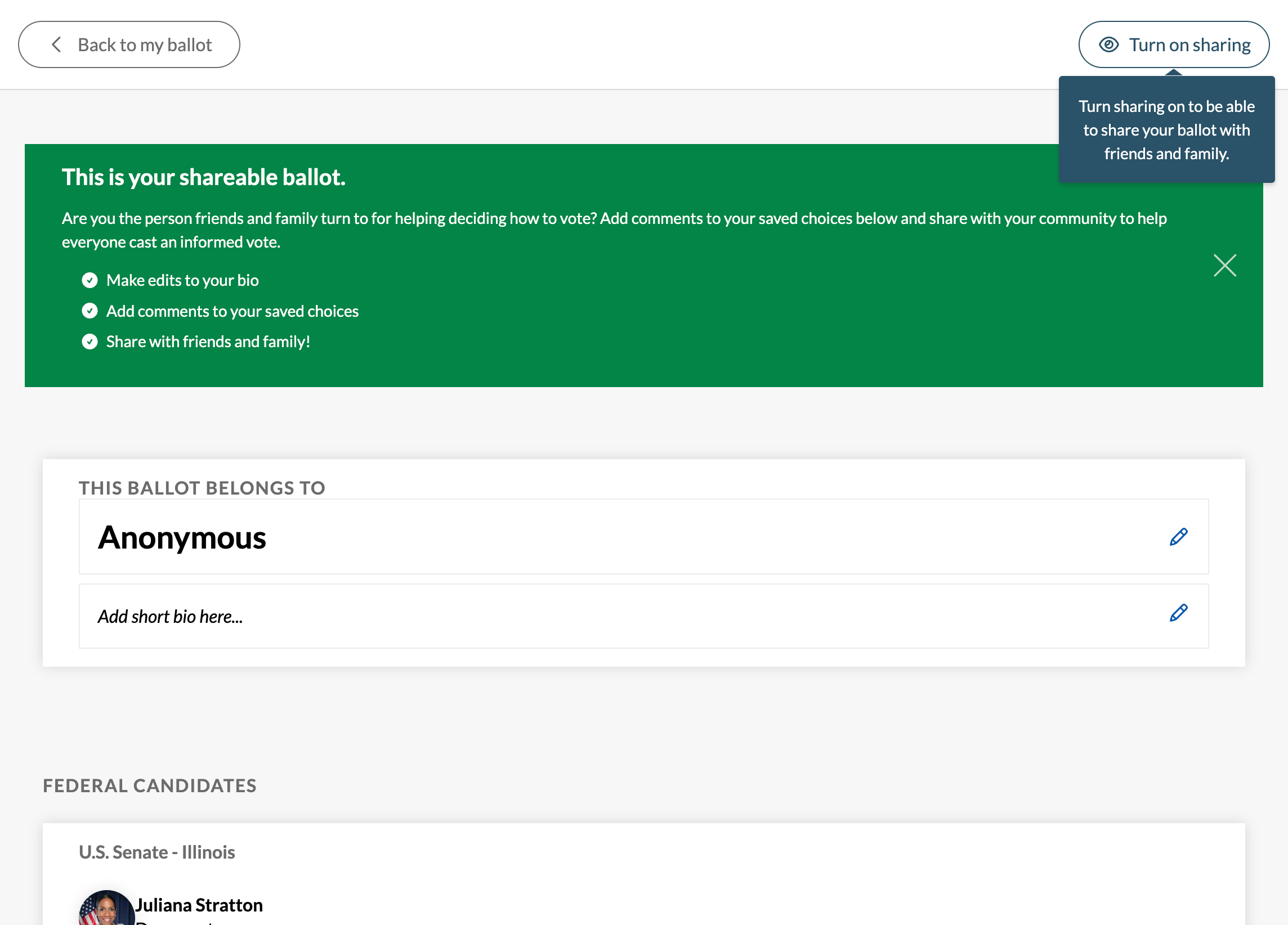
Optionally add your name, a short bio description, and notes for your ballot choices, then click "Turn on sharing" to enable sharing and generate a public link to view your ballot selections
-
Click one of the social icons to share your link to the respective platform, or click the link icon to copy the shareable URL to your clipboard. You can click "Turn off sharing" at any time to deactivate the shared link

