
Sign in to BallotReady to save your progress
-
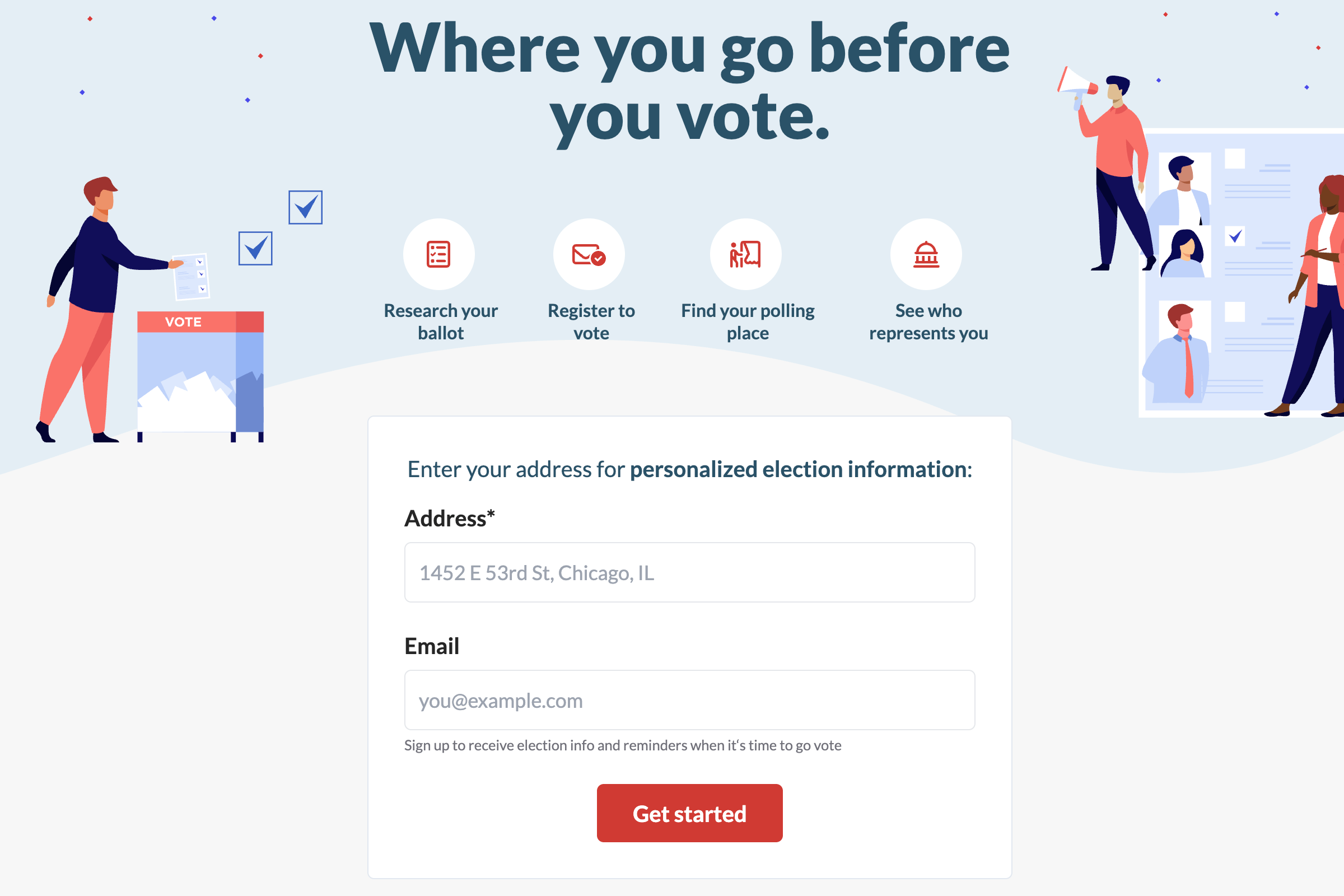
Enter your home address on BallotReady.org and click "Get started" to access your personalized Civic Center.
Tip: We need your full address to get you the most accurate ballot info.
-
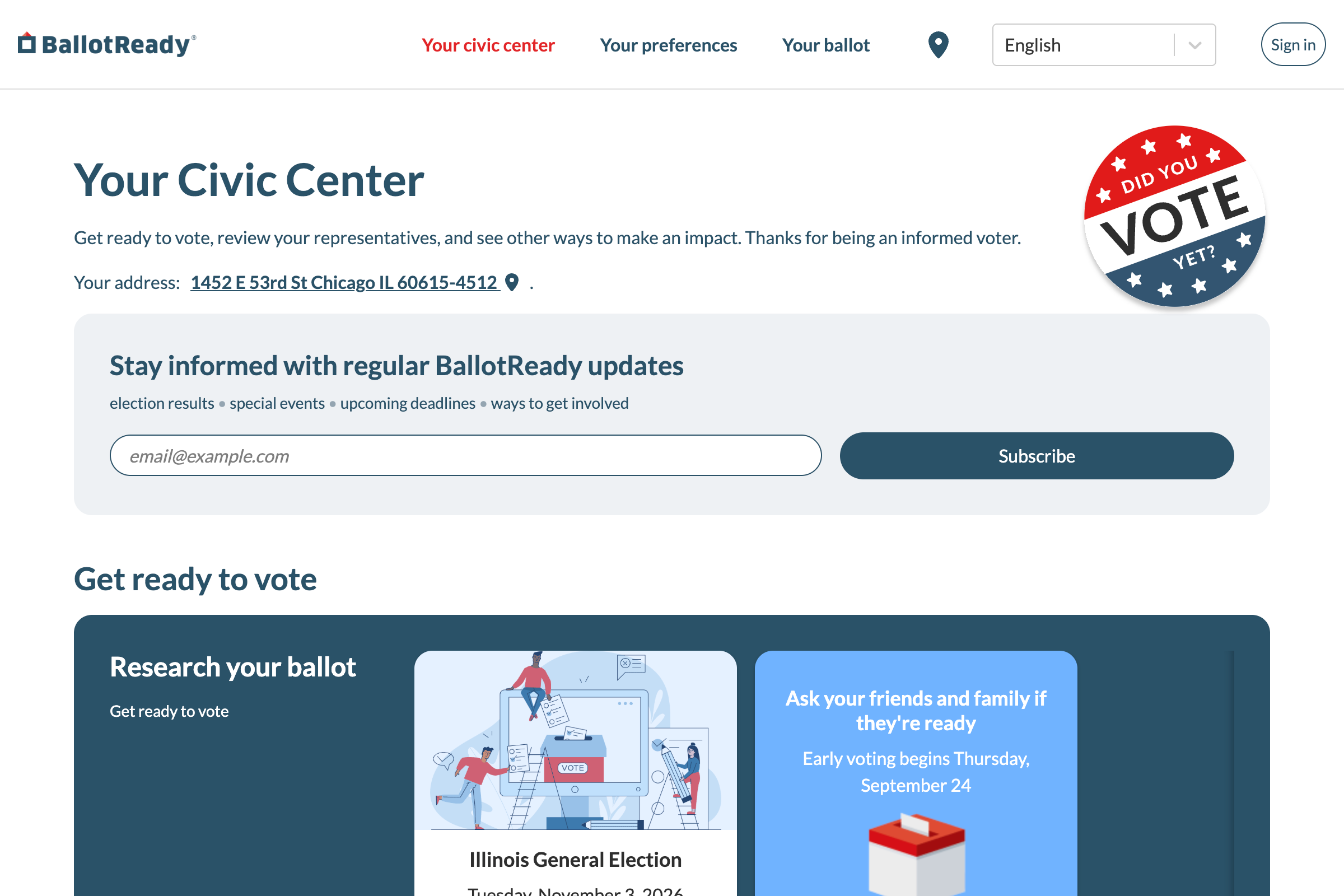
Click the "Sign in" button in the top-right corner
You might also be prompted to sign in after completing certain actions in the app such as researching your ballot.
-
Choose a sign-in method
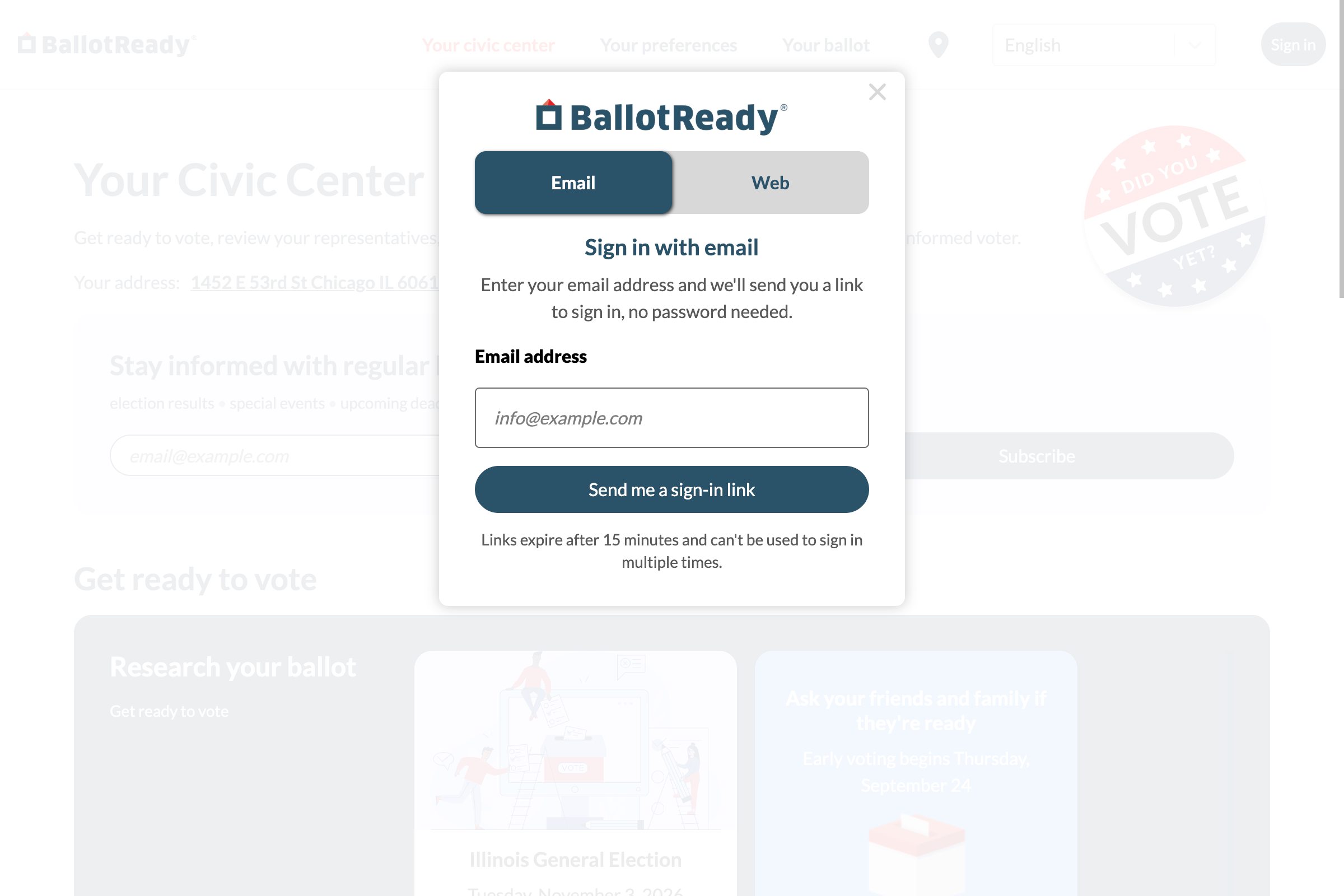
To use email:
Enter your email address and click "Send me a sign-in link".
Make sure you enter an email that you can easily access from the same device. You'll need to open the link in the next 15 minutes to sign in, and each link is single-use.
If your sign-in link doesn't work, return to your Civic Center and request another link to try again.
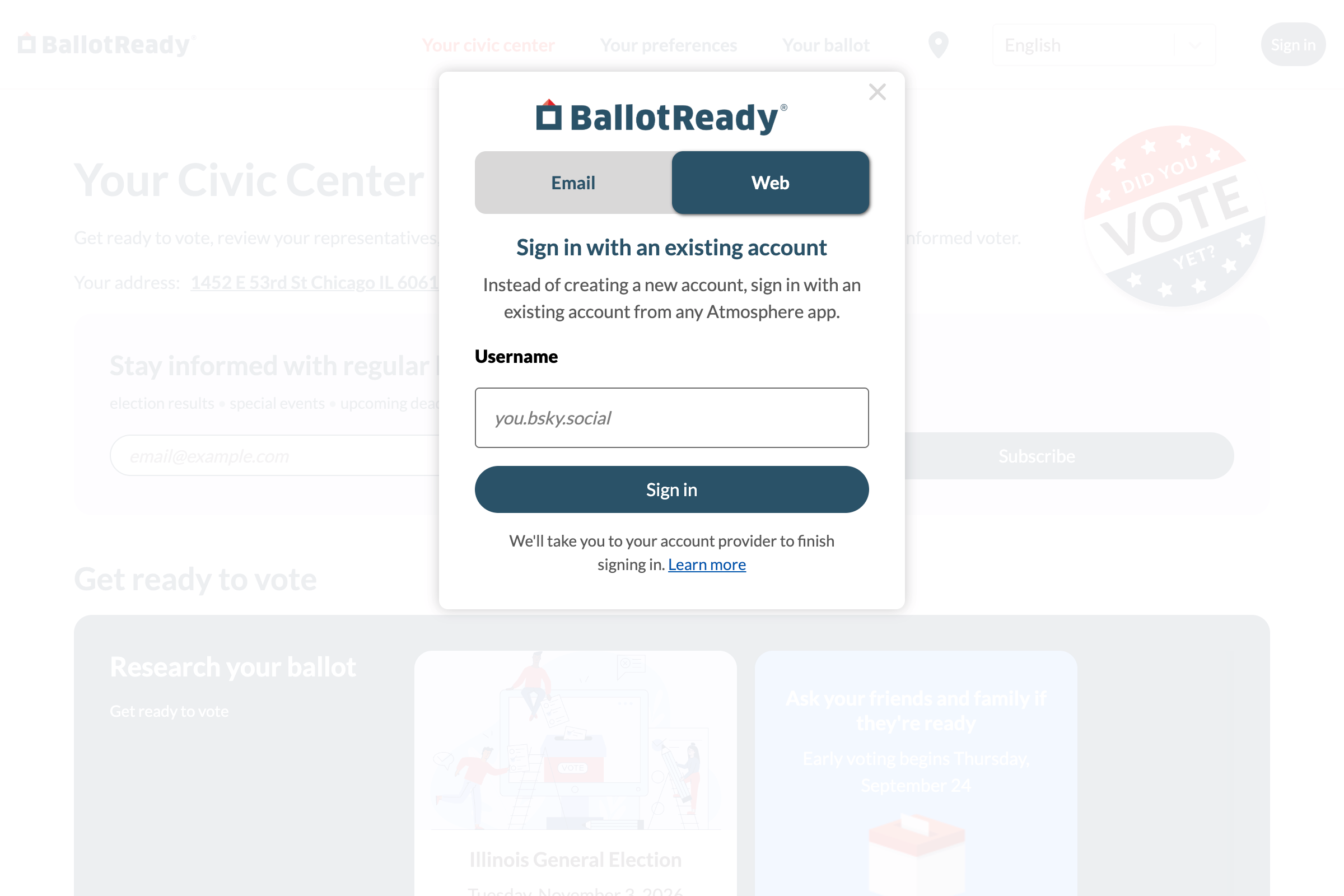
To use an Atmosphere account:
Click "Web" to switch to the Atmosphere sign-in method. Enter your full username, then click "Sign in". You'll be taken to your account provider to complete the sign-in process.
-
Finish signing in
With email:
Check your inbox for an email from BallotReady with your personal sign-in link.
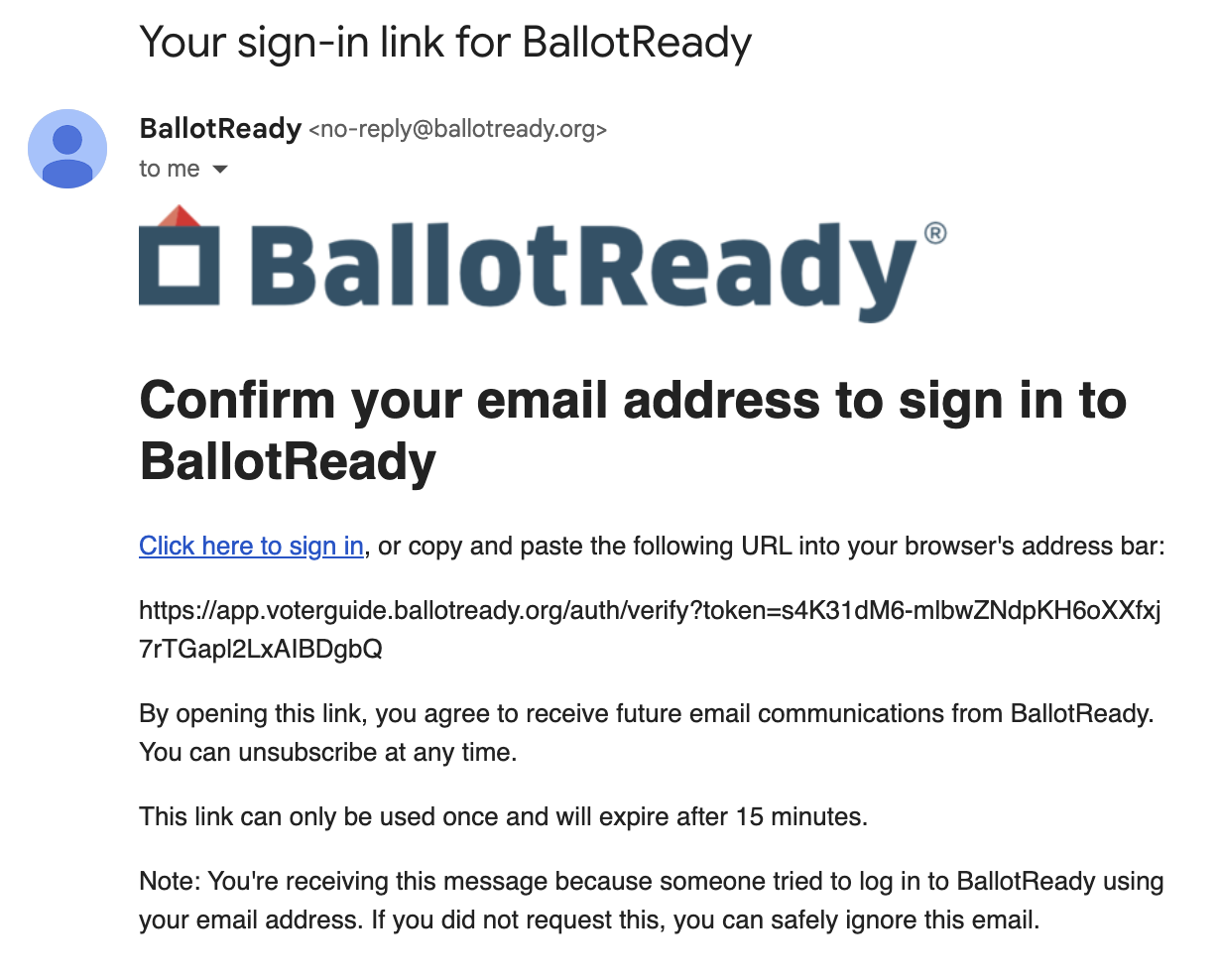
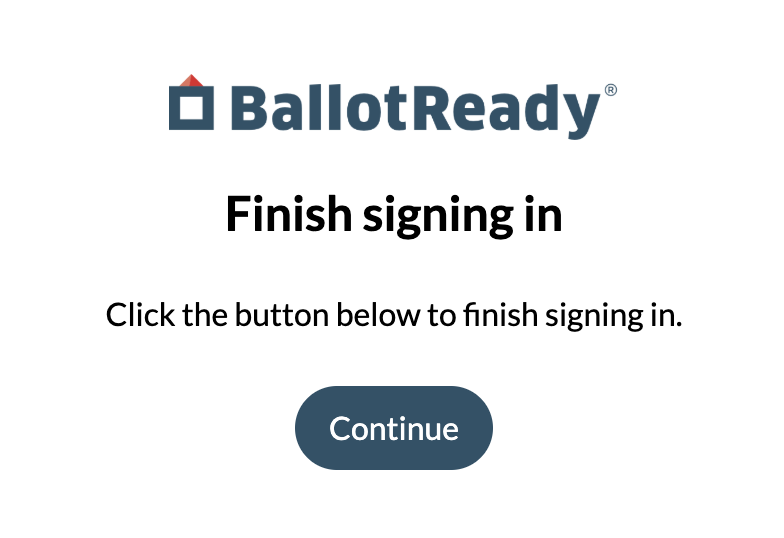
Click the link or copy and paste the URL into your browser's address bar to open it, then click "Continue" on the confirmation screen to complete the sign-in process.
With an Atmosphere account:
Verify that the username shown is correct, and enter your account's password if asked.
Your sign-in page might look different.
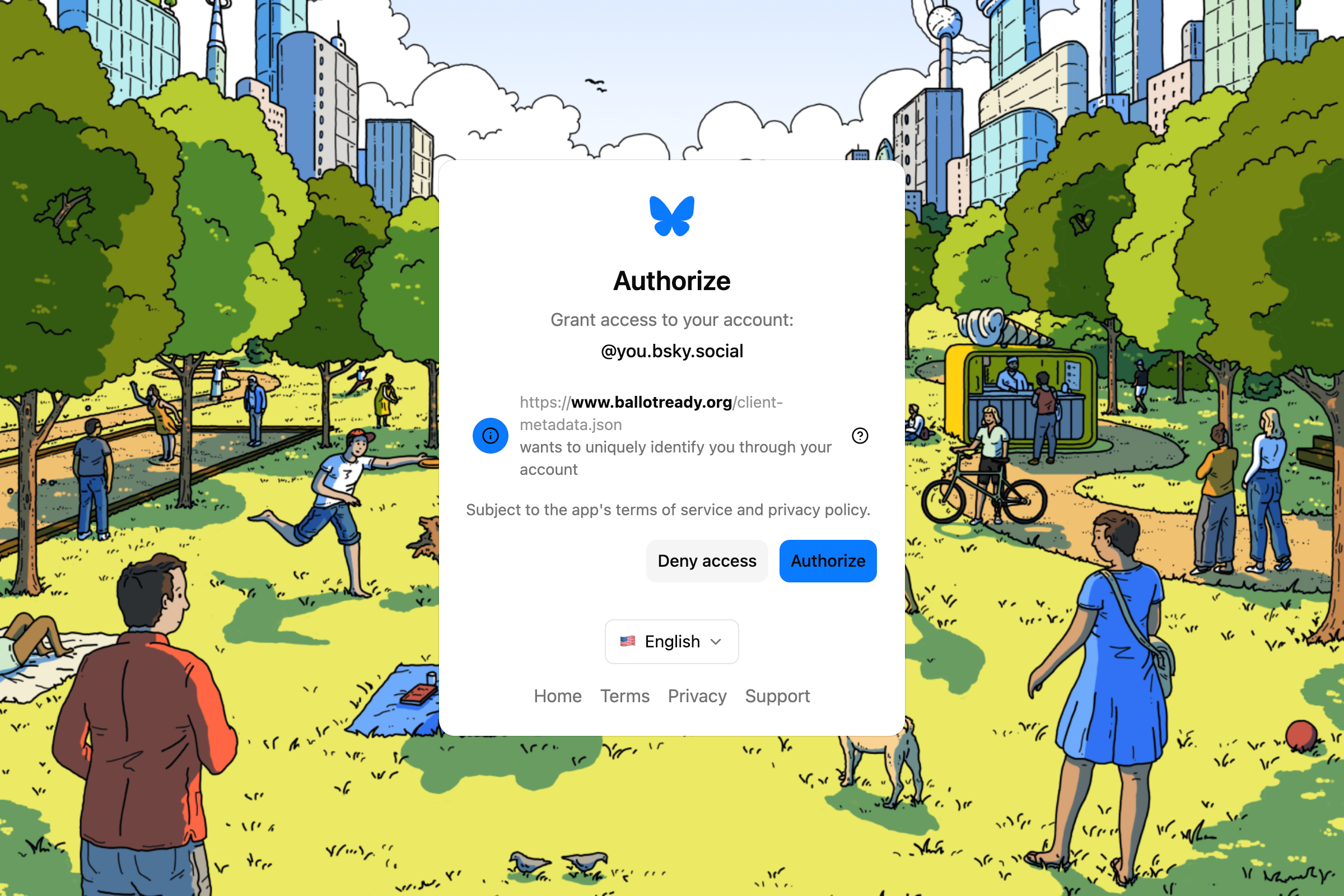
You will be prompted to allow the application access to your account details. Click "authorize" to continue.
BallotReady does not receive your account's password, and will never post anything on your behalf without your permission.
Resuming your progress
If you sign in while researching your ballot in BallotReady's Voter Guide, you can come back again before you vote to see your previous choices and make further selections.
To resume planning your ballot after an earlier session, sign in again using the same method you used the first time. Open the voter guide for your home address and your prior ballot selections will be prefilled.
Sharing your ballot
When signed in, you will have the option to publish a link that you can share with others to let them view your ballot selections. Learn more about sharing
What is an Atmosphere account?
You might already have an Atmosphere account! If you’ve created an account on Bluesky, selfhosted.social, or another compatible website or app, you can use that same username to sign in to BallotReady.
The "Atmosphere" is a network of apps built on a shared open technology called AT Protocol. These apps can talk to each other, which means you’re able to take your username from one Atmosphere application to another without having to create a new account for each app. BallotReady supports using an Atmosphere account to sign in.